
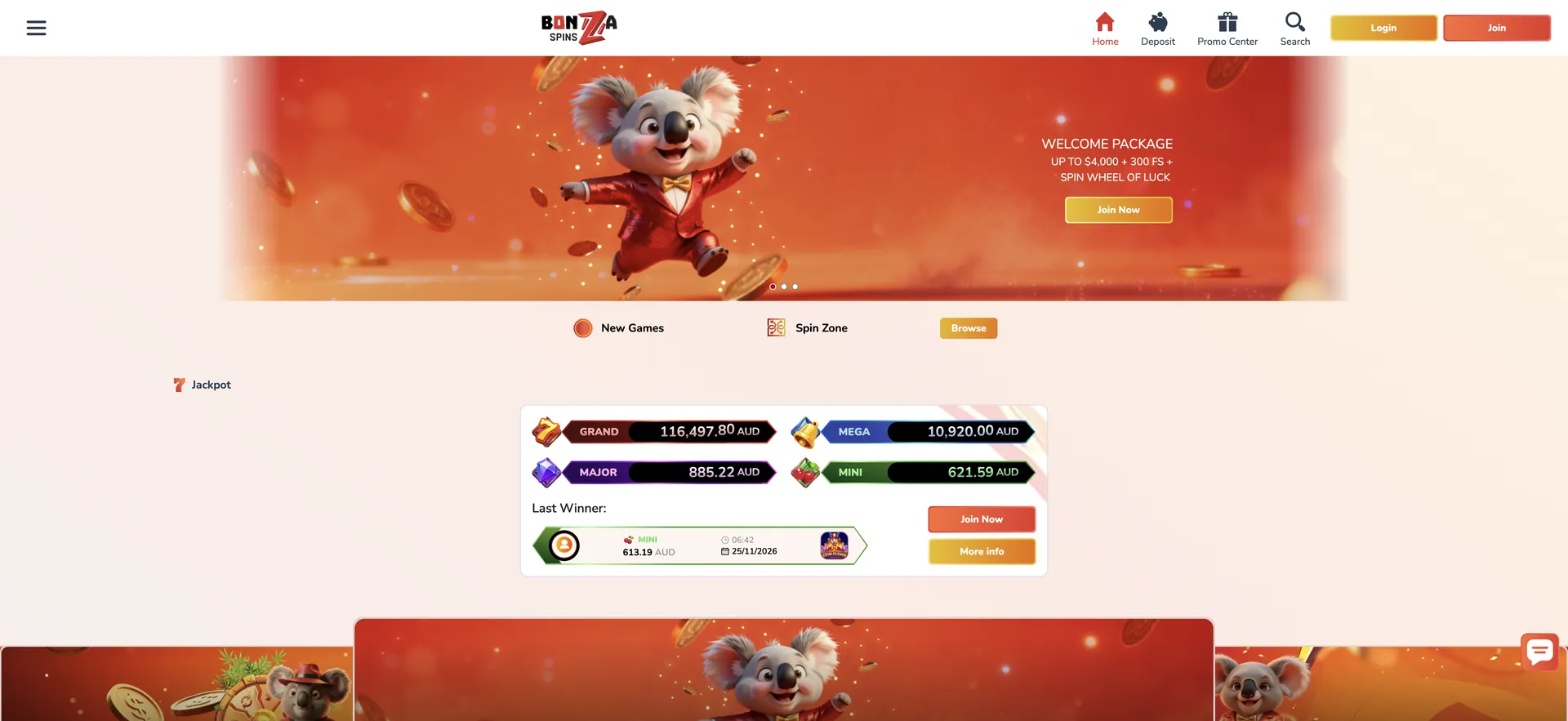
Below is how to open Bonzaspins on a phone, how to create the home screen shortcut on iOS and Android, what is available on mobile, and how mobile payments and withdrawals work in AUD.
| Feature | Mobile browser details |
|---|---|
| Download required | No, runs in the browser |
| iOS access | Safari, Chrome or Firefox |
| Android access | Chrome, Firefox, Samsung Internet or any current browser |
| Home screen shortcut | Available on iOS and Android |
| Game catalogue | 3,500+ titles, the same as desktop |
| AUD deposits and withdrawals | Full cashier, including Apple Pay and Google Pay |
| Bonus access | Welcome package, Wheel of Luck, Deposit Stamps, Daily Rewards, The Perks |
| Live dealer | Streamed in the mobile browser |
| Support | Live chat bubble on every page |
| Security | 128-bit SSL, the same as desktop |
| Updates | Automatic, no manual updates |
Is there a Bonzaspins app for Android or iOS?
No. Bonza Spins does not publish an app in the App Store or Google Play, and no APK file is offered on the site. Any download page claiming to be the official Bonzaspins app is not from the casino and should be avoided, because it may collect login or payment details.
The browser version covers the whole product. The site was built with a responsive layout: the top bar keeps Home, Deposit, Promo Center and Search within thumb reach, the side menu opens from the hamburger icon, and the lobby rows turn into swipeable carousels. Because everything runs on the same platform as desktop, new games, bonuses and fixes appear on mobile at the same time.
How to access Bonzaspins on mobile
Opening the casino on a phone takes the same few steps on any device.
- Open Safari, Chrome or another current browser on your phone.
- Go to the current Bonzaspins address.
- Accept the cookie notice with Got it.
- Tap the red Join button to register, or the yellow Login button to sign in.
- Tap the Deposit icon to fund the account in AUD and open any pokie from the lobby.
How to add Bonzaspins to your home screen
A home screen shortcut gives the casino its own icon and opens it with a single tap. The steps differ slightly between iPhone and Android.
iOS instructions (Safari)
On iPhone and iPad, the shortcut is created through Safari's Share menu.
- Open the Bonzaspins site in Safari.
- Tap the Share icon (the square with an upward arrow).
- Scroll down and tap Add to Home Screen.
- Keep the name "Bonza Spins" or change it, then tap Add.
- The icon appears on the home screen and opens the casino directly.
Android instructions (Chrome)
On Android, the shortcut is created from Chrome's three-dot menu.
- Open the Bonzaspins site in Chrome.
- Tap the three-dot menu in the top-right corner.
- Select Add to Home screen.
- Confirm the name and tap Add.
- Place the icon where you want it on the home screen.
Features available on mobile
Nothing is cut from the mobile version. The main sections available in a phone browser are:
- Pokies: the full library, including the Hold'n'Win, Popular, Top 20 and Casino Floor rows.
- Jackpot: the four-tier AUD widget with the latest winner.
- Live Dealer: blackjack, roulette, baccarat and other tables from the side menu.
- Lotto & Instant Games: crash, mines, plinko, keno, scratch cards and bingo.
- Promo Center: welcome package, Progressive Cashback, Wheel of Luck, Deposit Stamps, Daily Rewards, VIP Club.
- Account and Wallet: balance, transactions, withdrawals and personal details.
- Support: live chat from the bubble icon.
Bonzaspins performance on mobile
Mobile performance depends mostly on the connection and the phone, since there is no separate app build.
- Loading: the site loads in stages and shows the koala logo while content arrives. On slower connections the first load can take a few seconds.
- Pokies: all games are HTML5. PG Soft titles are designed for portrait play, and most others switch to landscape.
- Live dealer: streams adjust to the connection, so a stable 4G, 5G or Wi-Fi signal is recommended.
- Cashier: Apple Pay and Google Pay deposits complete inside the phone's own payment sheet.
Mobile payments and withdrawals in AUD
The mobile cashier is identical to desktop and supports AUD for every fiat method. Mobile wallets make deposits especially quick on a phone, but withdrawals follow the same limits as on desktop.
| Item | Mobile condition |
|---|---|
| Deposit options | Apple Pay, Google Pay, PayID, Visa, Mastercard, Neosurf, Paysafecard, e-wallets, crypto |
| Minimum deposit for bonuses | AUD 30 |
| Minimum withdrawal | AUD 100 |
| Maximum withdrawal | AUD 5,000 per transaction; AUD 10,000 per 10 business days |
| Pending period | Up to 48 hours |
| Verification | ID, proof of address and card photo can be photographed and uploaded from the phone |
Security on the mobile version
The mobile site uses the same 128-bit SSL encryption as desktop, and card details are stored encrypted under PCI DSS standards. On a personal phone, a password manager and a screen lock are the simplest protections. On a shared device, logging out after each session matters. Using a VPN on mobile breaches the Terms just as it does on desktop. Only open the casino through a trusted, current link, because there is no official app to fall back on.
KYC on mobile
Verification is required with the first withdrawal and works entirely from a phone. Fiat players photograph their government ID, a proof of address no older than 2 months, and the front and back of the card used (with the middle 8 digits and the CVV covered). Documents are reviewed within up to 5 business days. They must be sent within the 48-hour pending window, or the withdrawal is cancelled.
Usage tips for Australian players
A few practical habits make mobile play at Bonzaspins smoother.
- Create the home screen shortcut, so there is no need to search for the current mirror each time.
- Use Apple Pay, Google Pay or PayID for quick AUD deposits, and set up a withdrawal method in your own name early.
- Keep stakes at AUD 8 or less when a bonus is active. On small screens it is easy to tap the wrong bet level.
- Check the Wheel of Luck 2 hours after each deposit.
- Upload KYC photos right after the first deposit, while the phone camera is at hand.
FAQ
Quick answers about using Bonzaspins on a phone.
Can the Bonzaspins app be downloaded?
No. There is no official app on the App Store, Google Play or as an APK. The casino runs in the mobile browser.
Is the mobile version different from desktop?
No. It uses the same account, games, bonuses and cashier. Only the layout adapts to the smaller screen.
Do bonuses work on mobile?
Yes. The welcome package, Wheel of Luck, Deposit Stamps, Daily Rewards and cashback can all be claimed and used on a phone.
Can deposits be made with Apple Pay?
Yes. Apple Pay and Google Pay are among the payment options, along with PayID, cards, Neosurf, e-wallets and crypto.
How is a Bonzaspins shortcut added to an iPhone?
In Safari, tap Share, then Add to Home Screen, then Add.
Can withdrawals be requested from a phone?
Yes. The full cashier, including withdrawals and document uploads, is available on mobile.